Appearance Settings
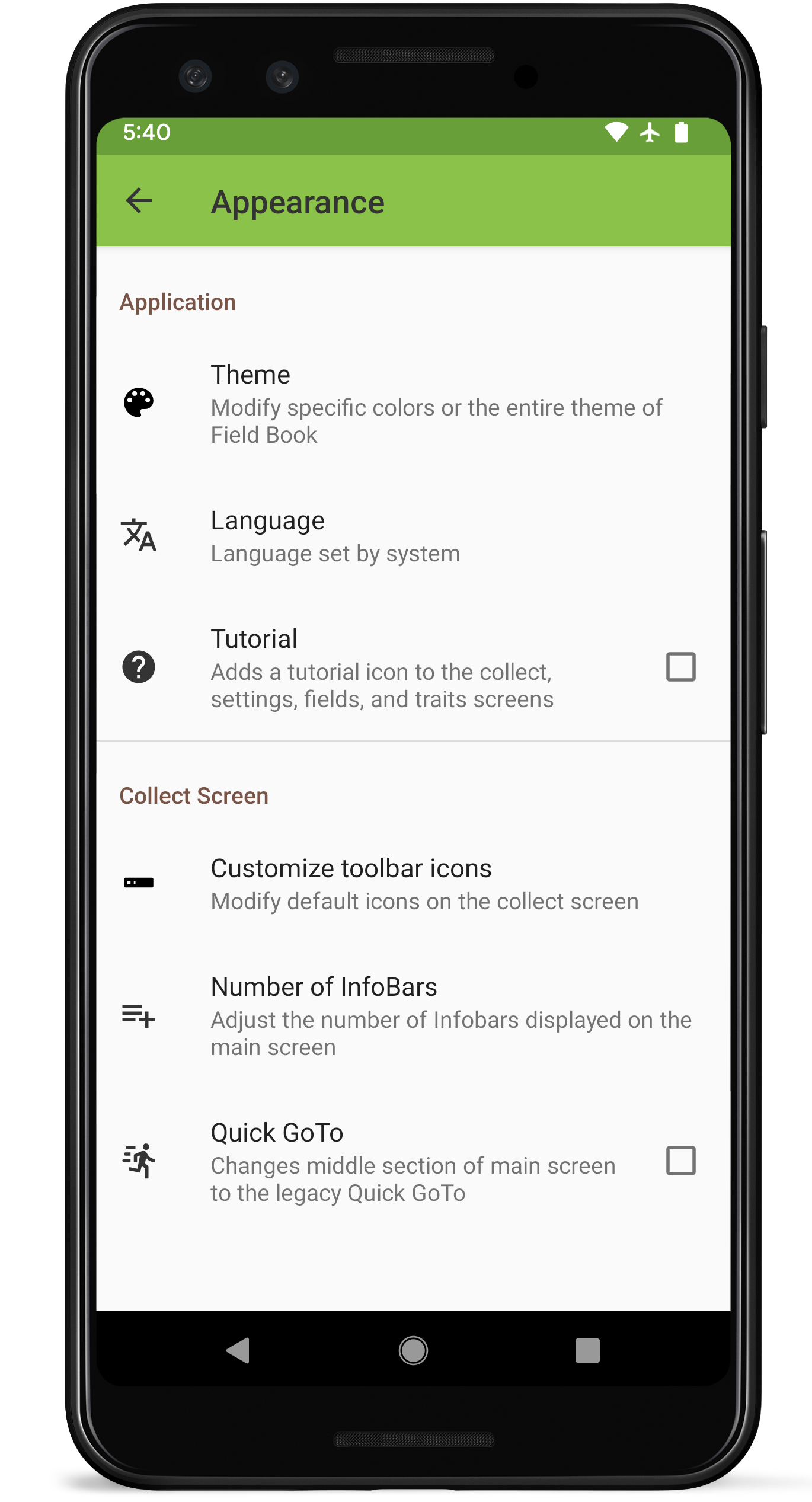
Appearance settings screen layout
Application
 Theme
Theme
Allows users to modify specific colors or the entire theme of Field Book.
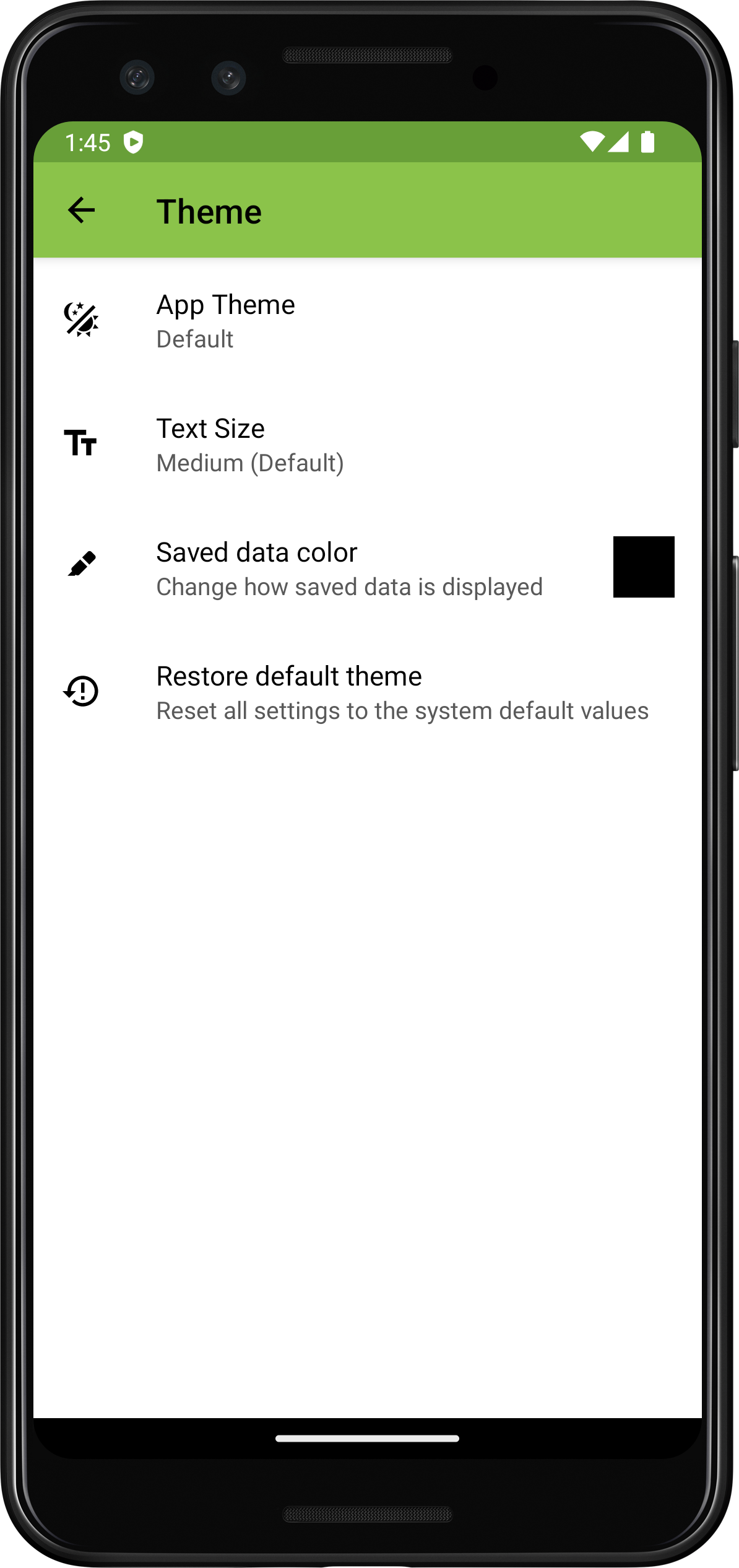
Theme options within appearance settings
 Language
Allows the user to change the Field Book language to one of 14 different options.
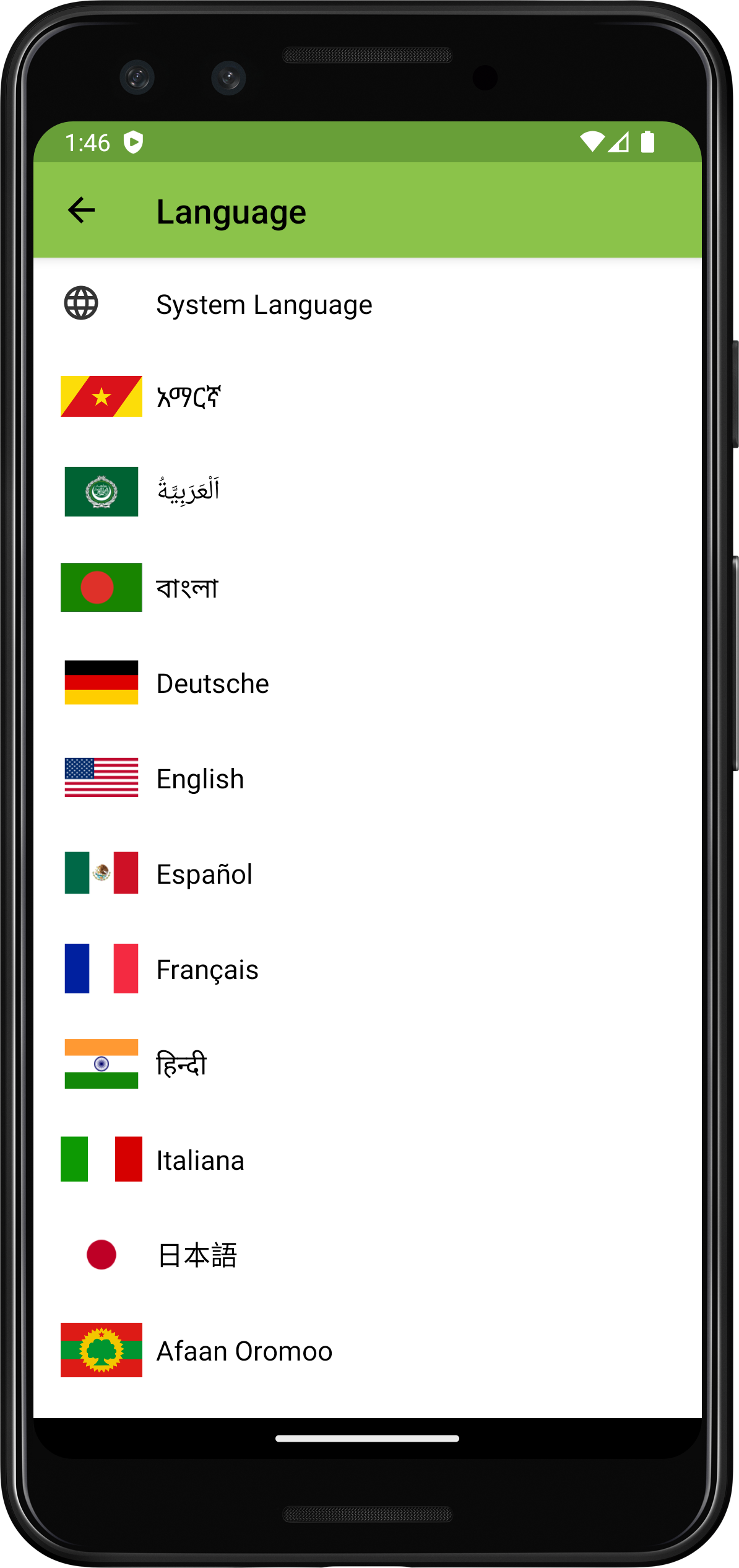
Language options
 Tutorial
Adds a icon to the toolbar that enables the tutorial. The tutorial provides contextual information throughout the app.
Collect Screen
 Customize toolbar icons
Allows the user to change which default toolbar buttons are displayed on the Collect screen.
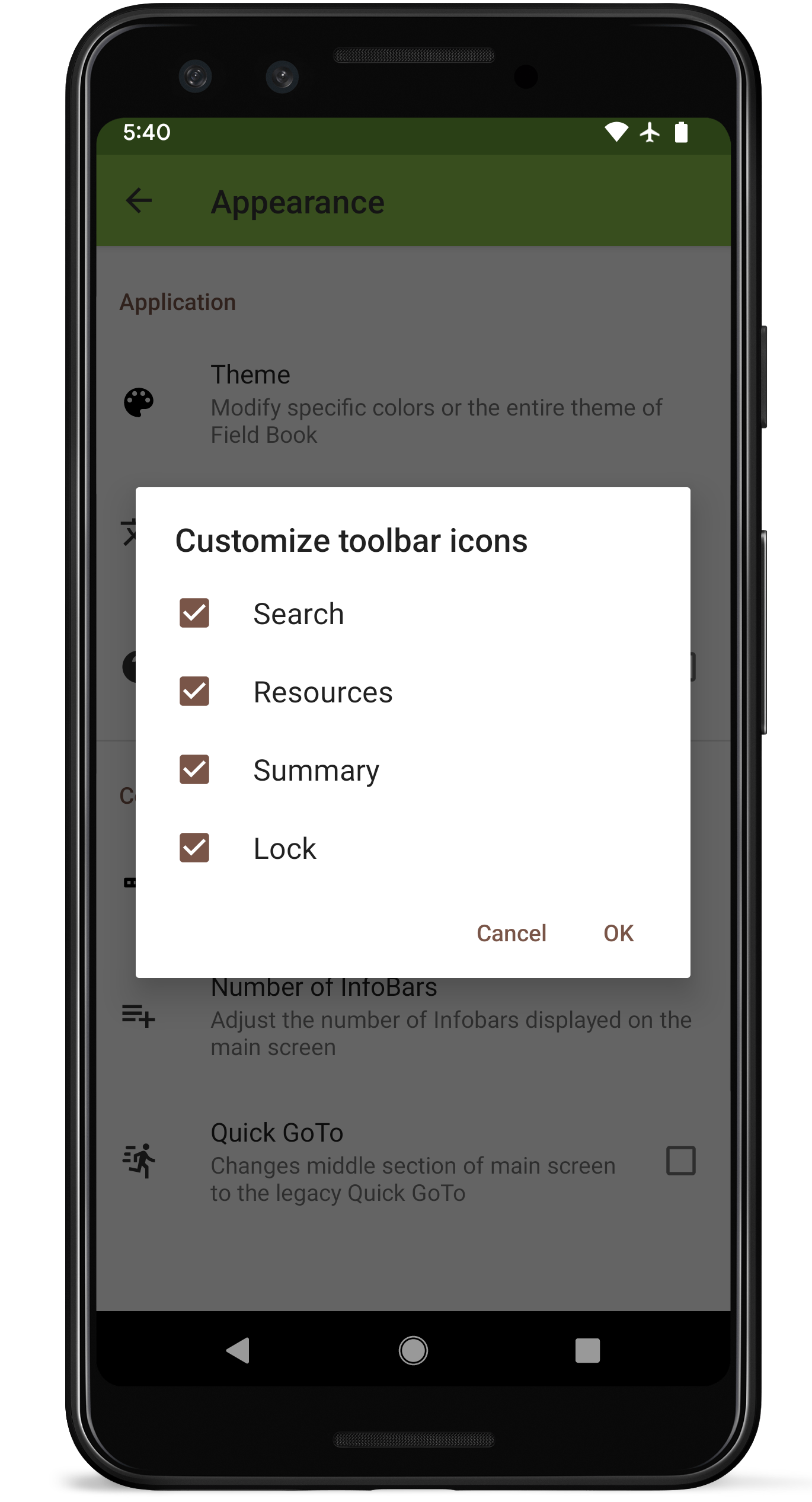
Turn default toolbar options on/off
 Number of Infobars
Allows the user to change the number of Infobars that are displayed on the Collect screen.
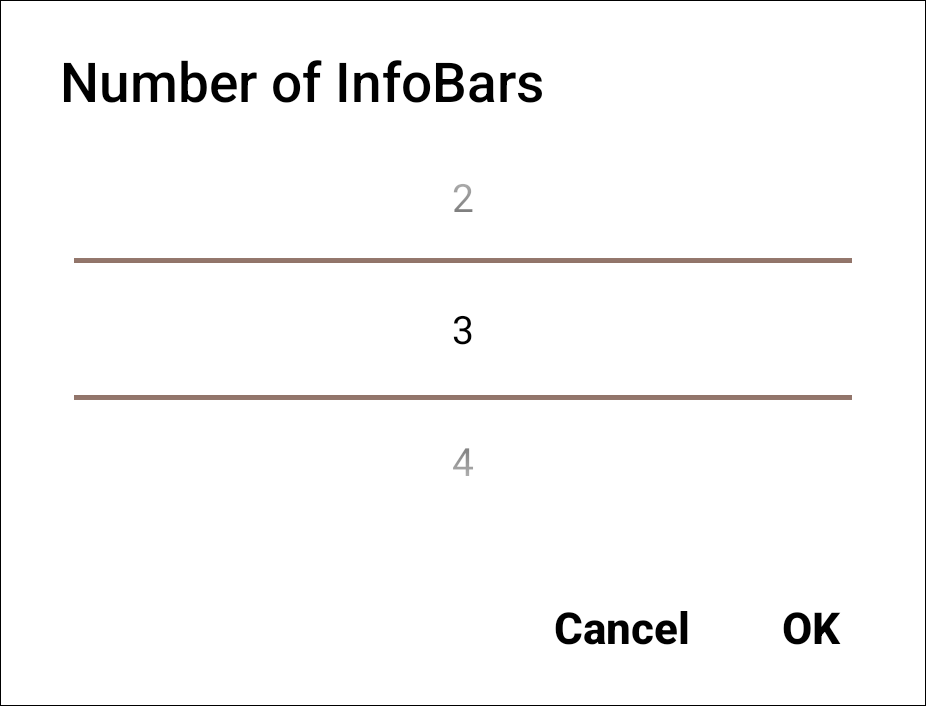
Choice of number of Infobars
 Quick GoTo
Changes the read-only primary/secondary order on the Collect screen to edit texts that can search and move to specific entries.

Collect screen editable primary/secondary order when using Quick Goto