General Settings

General settings screen layout
System Defaults
 Define storage location
Opens the Storage dialog to define or update the ‘Storage location’ on the device.
 Default import source
Set the default field and trait import source to one of the provided options so the app doesn’t ask each time.
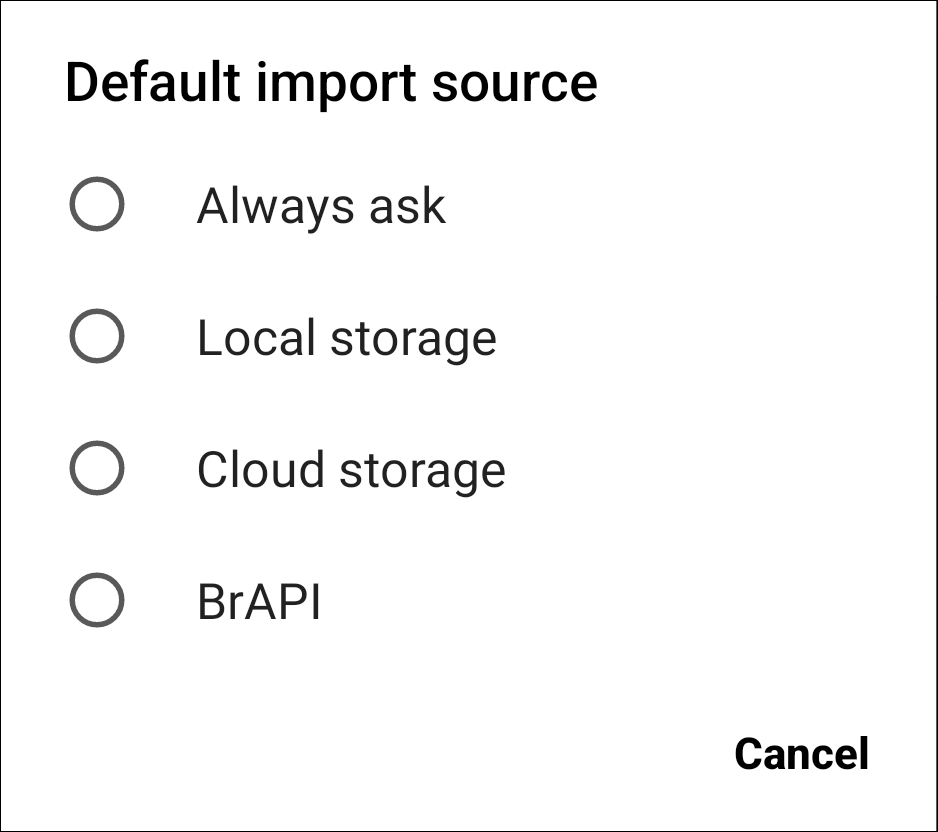
Default import options
 Default export source
Sets the default export location to one of the provided options so the app doesn’t ask each time.
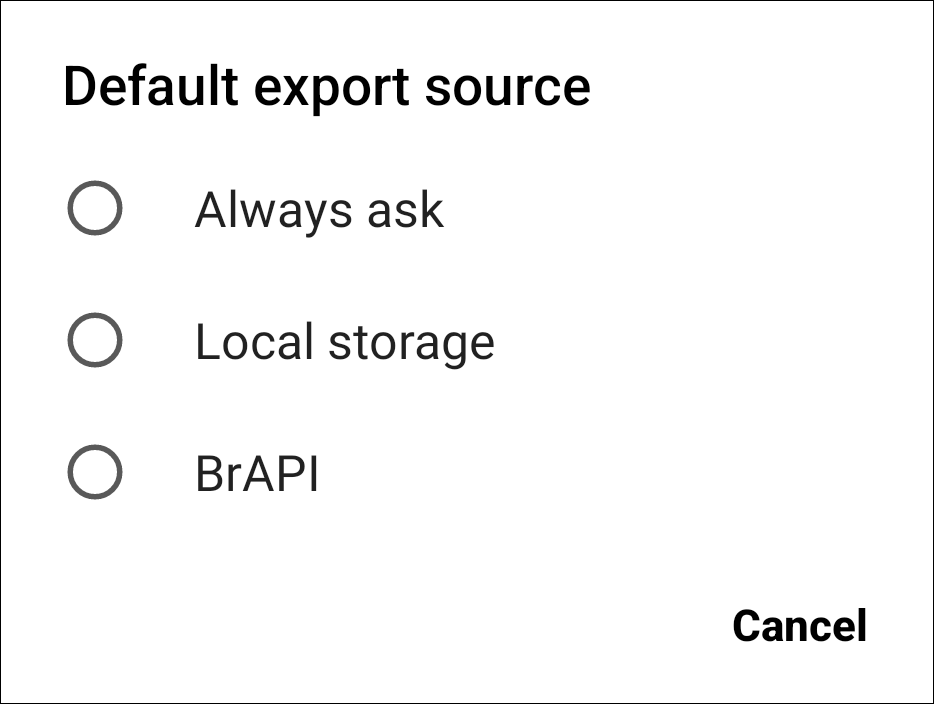
Default export options
Optional Collect Tools
 Next entry with no data
Adds a button to the Collect top toolbar thats skips to the next entry without data.
 Location collected
Set the method for collecting location while using Field Book. Can be at the level of the field, the plot, or the individual observation.
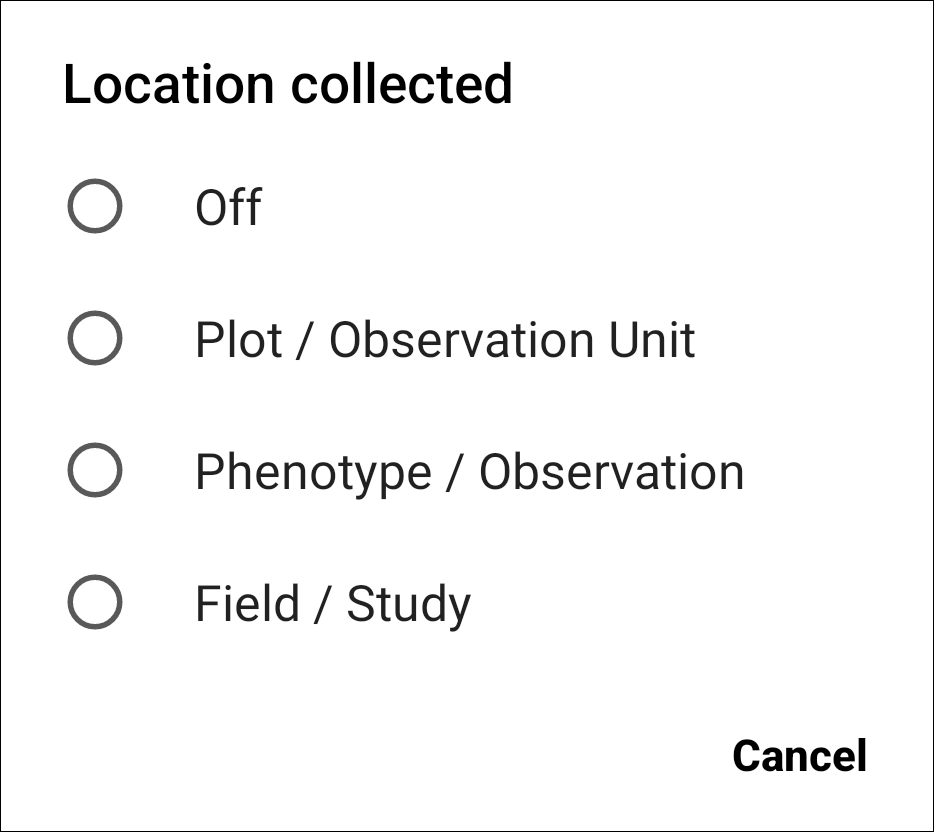
Location collect options
 Move to entry via barcode
Adds a icon to the Collect top toolbar. When pressed, it opens the device camera to move to an entry by scanning a barcode. The barcode must match a unique ID within the active trial.
 Datagrid
Adds a icon to the Collect top toolbar. When pressed, it displays a grid of all the recorded values for each entry and trait. See more details in the Datagrid section.
 Move to unique identifier
Adds a  icon to the Collect toolbar. When pressed, it opens a text entry dialog. Move to a specific entry by typing or scanning its unique id into the text field.
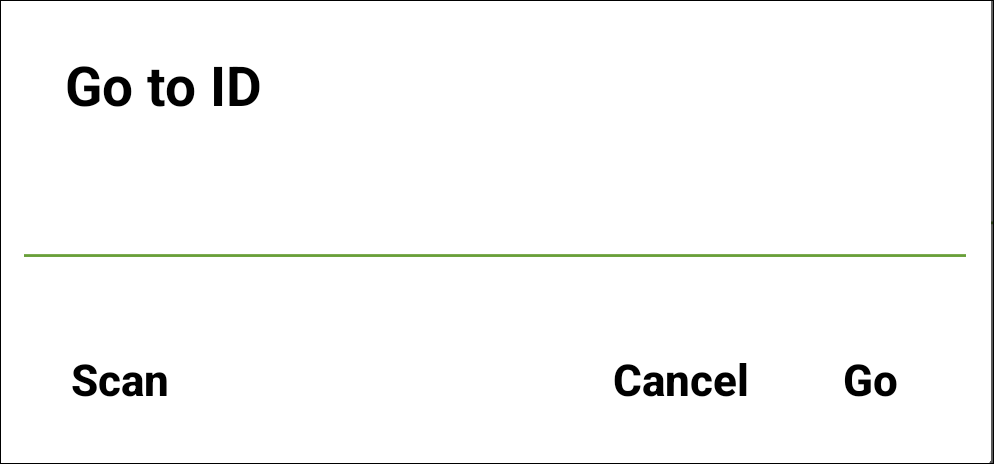
The move to unique identifier dialog